Your whole care plan, one tap away.
Book in seconds, never lose track of a visit, see exactly where you are in your plan, and do your home exercises the way your clinician showed you. Your recovery, in your hands — day and night.
Results come from staying on track
Spinal correction works when visits happen on schedule and home exercises happen every day. The CBP app is built to make both effortless — and to show you everything, so you are never guessing.
Never miss a visit
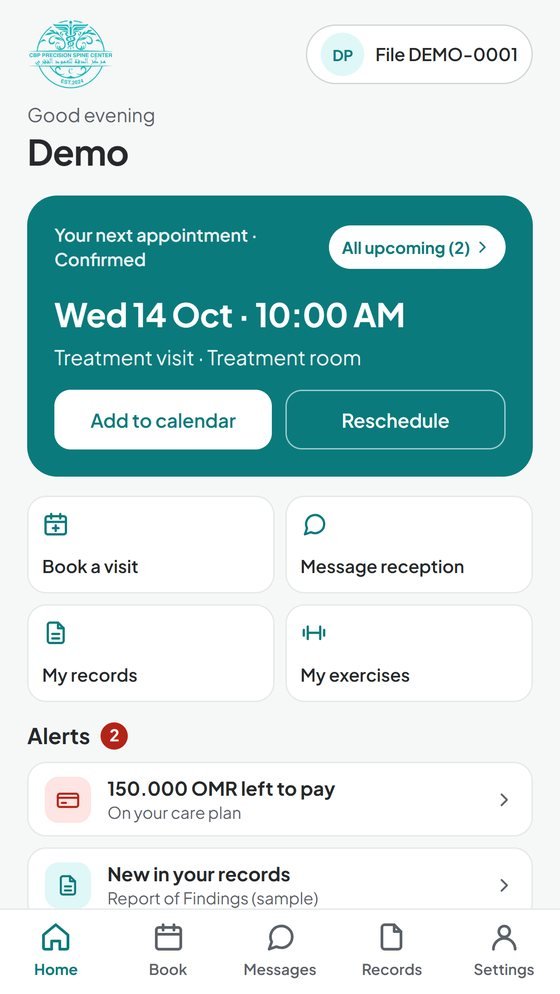
Book your next visit before you leave the car park, add it to your calendar in one tap, and get reminders the day before and two hours before. Plans change? Move it yourself.
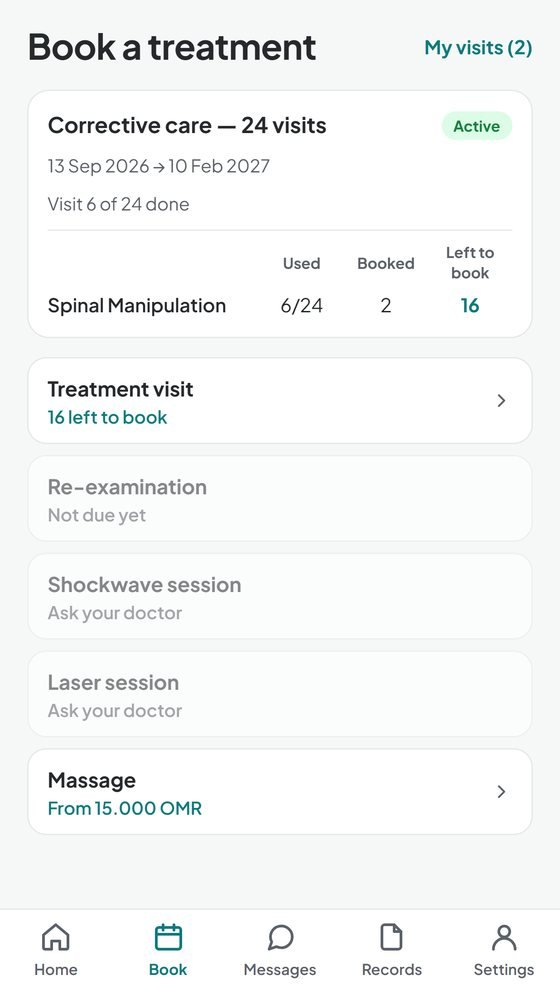
See your whole plan
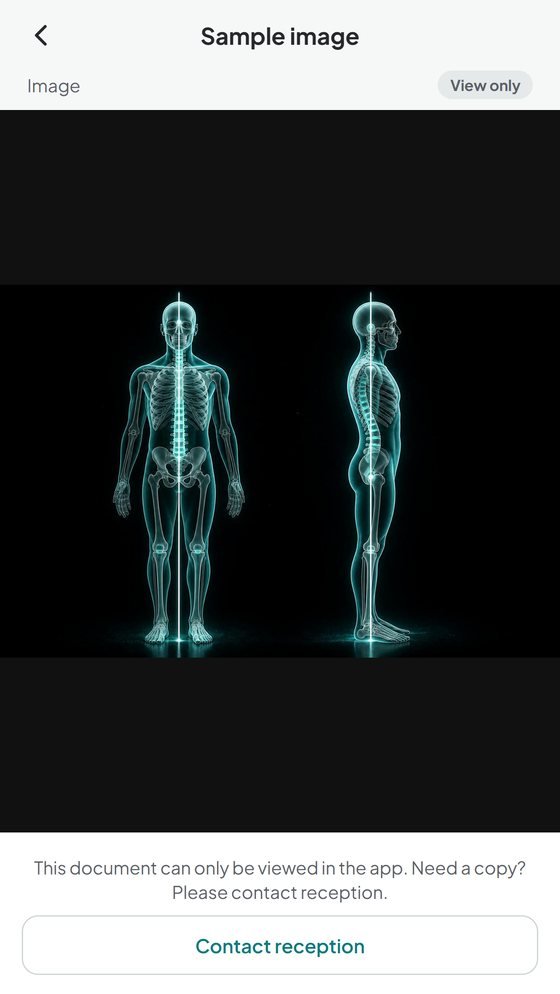
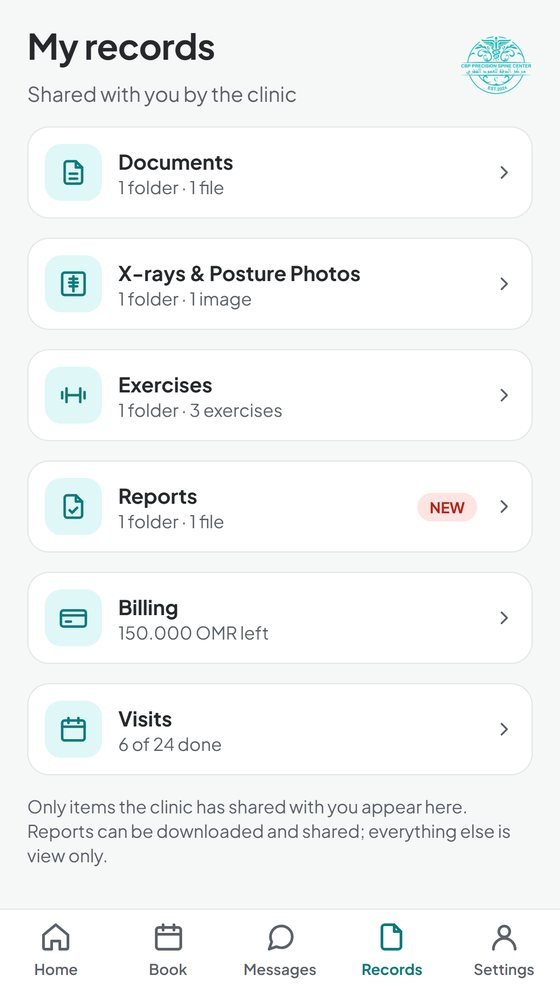
Visits done, visits left, what's booked, what you've paid and what's next — plus your reports and X-rays exactly as the clinic issued them. No surprises.
Progress you can feel
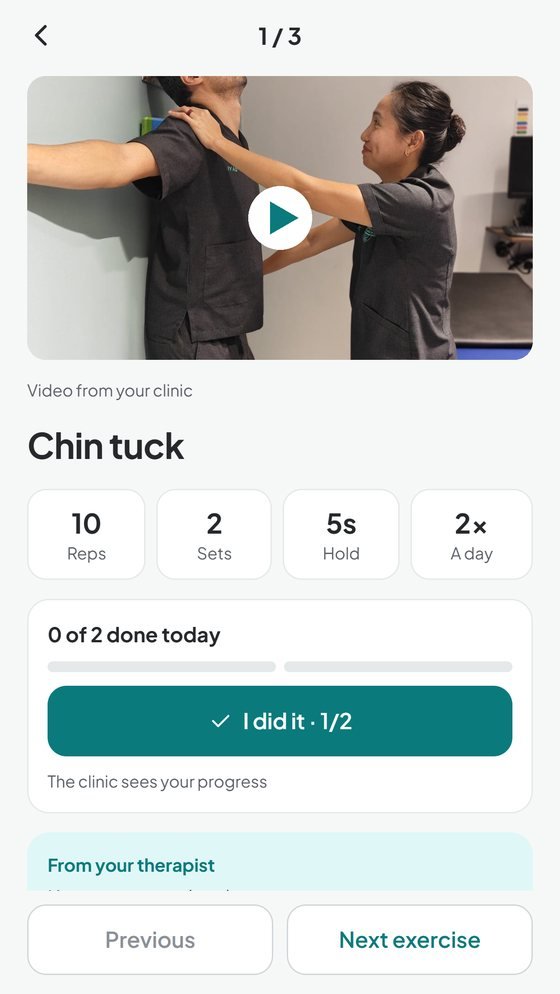
Your exercises, demonstrated on video by your own clinic. Tick each one off — your clinician sees it — and tell them straight away if something hurt or felt too easy.
Everything your care needs, in one place
Straight from your clinic file — the same times reception books and the same documents the clinic issues.
Instant booking
Real availability, confirmed on the spot. No calls, no waiting.
Direct line to reception
Message us and send documents or photos — filed straight into your record.
X-rays & posture photos
See your images with your doctor's lines, and watch your progress over time.
Exercise videos
Every home exercise shown by your clinic, with reminders at the times you choose.
Reports on demand
Download and share insurance and medical reports in seconds.
The whole family
Manage your children's and parents' care from the same account.
A look inside
Designed with our patients, in English and Arabic.
Up and running in minutes
Reception usually links your file the same day during clinic hours.
Download the app
From Google Play or the App Store, in English or Arabic.
Create your account
Sign up with your email, then enter the details on your clinic file.
You're in
Reception links your file, you get a notification, and your care plan is in your pocket.
Your app questions, answered
Who can use the app?
How do I link my clinic file?
Can I manage my family's care too?
Can I book, change or cancel appointments?
Why can't I book a certain type of visit?
What will I see in My records?
Can I send documents to the clinic?
Is Messages for urgent or medical questions?
Is my information safe?
Is it on iPhone and Android?
Which languages does it use?
Does it cost anything?
I forgot my password.
How do I delete my app account?
New to CBP? Start with a consultation.
Find out what's behind your pain — your app comes with your care plan.
Book a new-patient consultation